 DuoCam
Capture Your Concert Reaction: Film Front and Back with One Phone
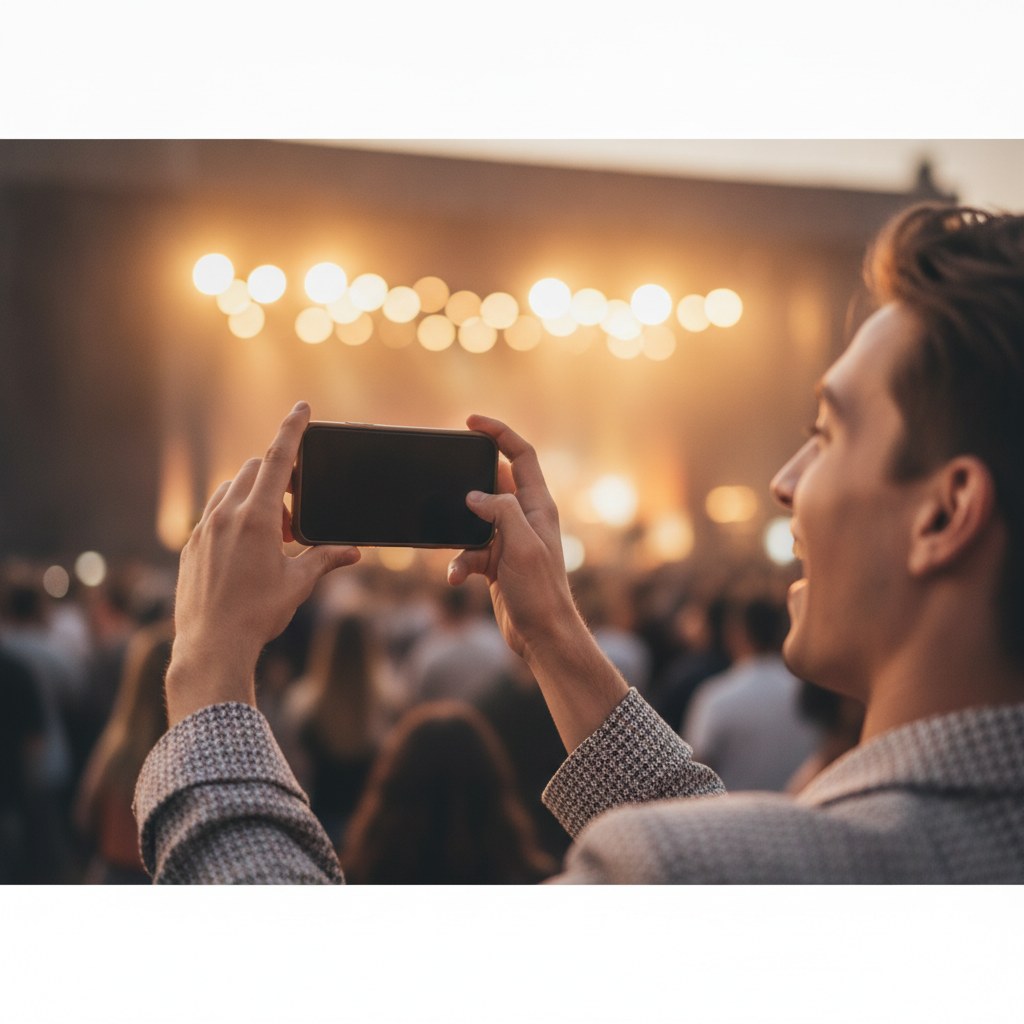
To record your reaction while filming a concert with a single phone, use a dual-camera app that captures footage from both your front and rear cameras simultaneously. This allows you to document the performance and your authentic emotional response in one continuous video, creating a richer memory.
## Why would I want to record my reaction while filming a concert? Recording your reaction alongside the concert footage offers a unique, personal dimension to your memories, transforming a simple concert video into a dynamic storytelling experience. Instead of just documenting the stage, you're also capturing your genuine excitement, awe, or even amusement, providing context to your experience that a static shot of the band can't convey. This dual perspective is invaluable for sharing with friends and family, creating vlogs, or simply reliving the moment years later, allowing you to remember not just what you saw, but how you felt.
## What equipment do I need to record dual-camera concert footage? For dual-camera concert footage, you primarily need a modern iPhone or Android smartphone and a reliable dual-camera recording application. Most smartphones released in the last few years are capable of simultaneously accessing both the front and rear cameras, making this feature widely accessible. Beyond the phone and app, consider a portable power bank to ensure your phone doesn't run out of battery during a long concert, as dual-camera recording can consume more power. A small, portable tripod or a steady hand is also beneficial for stable footage, especially in a crowded environment where maintaining a steady grip can be challenging.
## How do dual-camera apps work for concert recording? Dual-camera apps work by accessing your phone's front and rear camera sensors simultaneously, then compositing their feeds into a single video file. These apps typically offer various layout options to display both camera feeds, such as picture-in-picture (where one camera feed appears as a smaller overlay on the other), side-by-side, or top-and-bottom arrangements. For instance, DuoCam allows you to record both perspectives at once and choose from draggable picture-in-picture, side-by-side, or top-and-bottom layouts, giving you flexibility in how your reaction is displayed relative to the main concert footage. Some advanced apps, like DuoCam on supported devices, even offer on-device background removal for your reaction shot, allowing you to focus solely on your face without distracting elements behind you.
## What are the best practices for capturing great concert reactions? Capturing compelling concert reactions requires a bit of planning and awareness, even with the convenience of a dual-camera setup.
Here are some concrete tips to enhance your dual-camera concert recording:
* Positioning is Key: Try to find a spot where you have a clear view of the stage and where your front camera can capture your face without too many obstructions. Avoid direct backlighting from the stage lights, which can silhouette your face and make your reaction hard to see. * Mind Your Audio: While the concert audio will be loud, be aware of how your phone's microphone picks up sound. If you want to capture your spoken reactions, you might need to lean closer to the phone or speak up. Some apps allow you to mute one audio track during editing if needed. * Battery Management: Dual-camera recording uses more processing power and thus more battery. Start with a fully charged phone and bring a portable power bank to ensure you can record throughout the entire show. * Stay Steady: In a crowded environment, keeping your phone stable can be tough. Use both hands, brace your elbows against your body, or consider a small monopod/tripod if permitted by the venue. Shaky footage can detract from both the concert and your reaction. * Engage Naturally: Don't force reactions. The best footage comes from genuine enjoyment. Be present in the moment and let your reactions flow naturally. The dual-camera setup is there to capture *your* experience, not to create a performance. * Check Your Framing: Periodically glance at your screen to ensure both the concert and your face are well-framed in their respective windows. Adjust your phone's angle as needed.
## How can I edit my dual-camera concert video on my phone? After capturing your dual-camera concert footage, most advanced dual-camera apps provide on-device editing capabilities, allowing you to refine your video without transferring it to a computer. These editing tools often include basic functions like trimming unwanted sections, splitting clips, muting audio tracks (for instance, if you only want the concert audio), and cropping the frame. A key benefit of on-device editing, especially with apps like DuoCam, is that it never alters your original recording. This means you can experiment with different edits and layouts, knowing that your raw, unedited concert memory is always preserved on your device. This non-destructive editing approach provides peace of mind and creative freedom, letting you perfect your video before sharing it.
## What privacy considerations should I be aware of? When using any app to record personal moments like concert footage, privacy is a critical consideration. It's important to choose applications that prioritize user data protection. Look for apps that emphasize an offline-first approach, meaning your media never leaves your phone unless you explicitly choose to share it. Furthermore, apps that do not require an account to use and have analytics turned off by default (or offer easy opt-out) provide a higher level of privacy. DuoCam, for example, is designed with these principles: your media never leaves your phone, no account is required, and analytics are off by default, ensuring your concert memories and personal reactions remain private and secure on your device.
FAQ
Q: Can I use any iPhone or Android phone for dual-camera recording? A: Most modern iPhones and Android devices released in the last few years support simultaneous access to both front and rear cameras, making them compatible with dual-camera recording apps. However, specific advanced features like on-device background removal may require newer phone models with more powerful processors or dedicated neural engines.
Q: Does recording with two cameras at once use more battery? A: Yes, recording with two cameras simultaneously typically consumes more battery power than recording with just one camera. This is because your phone's processor is working harder to manage two video streams, process them, and composite them into a single file. It's highly recommended to start with a full charge and carry a portable power bank for longer recording sessions.
Q: Is my concert footage private when using a dual-camera app? A: The privacy of your concert footage depends entirely on the specific dual-camera app you choose. It's crucial to select apps that clearly state an offline-first policy, meaning your videos are stored only on your device and are not uploaded to external servers without your explicit action. Apps that do not require an account or offer robust privacy settings (like analytics off by default) provide the highest level of privacy and control over your personal media.