 DuoCam
Record Your Concert Reaction with DuoCam
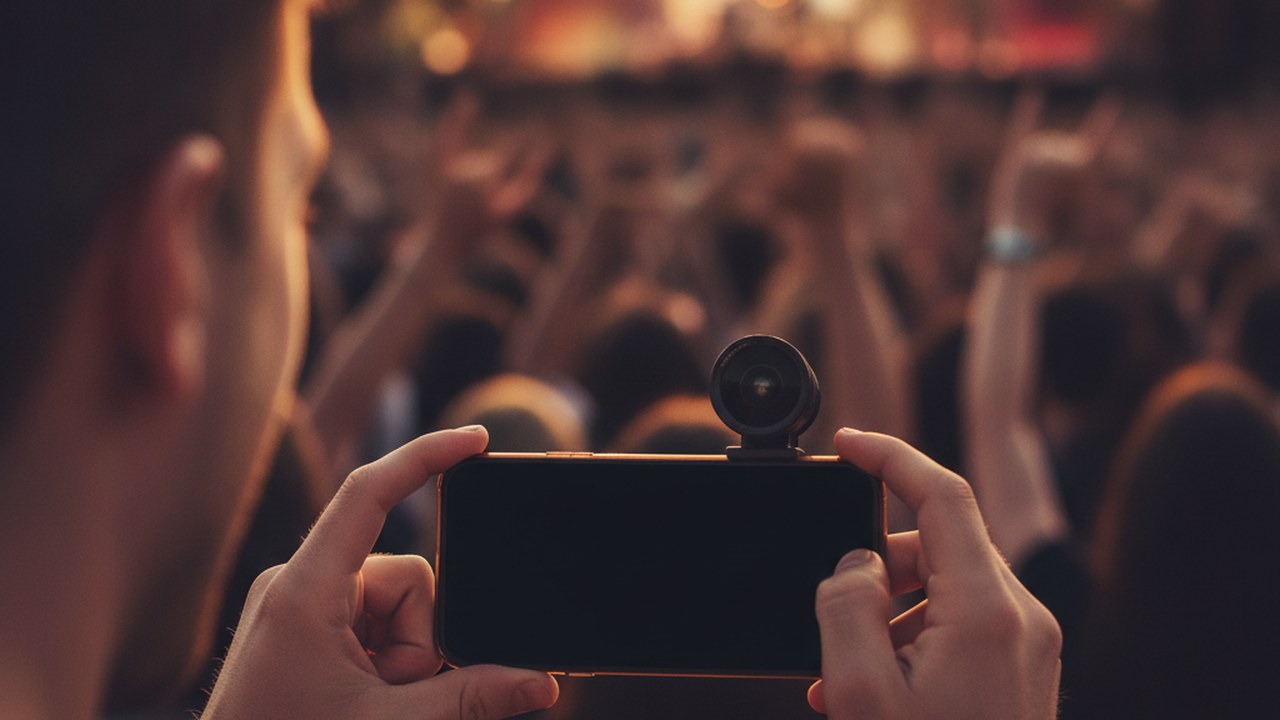
Recording your reaction while filming a concert with one phone is possible by utilizing a dual-camera application like DuoCam, which captures video from both your front and back cameras concurrently. This allows you to simultaneously record the stage performance and your personal experience, then refine the combined footage directly on your device.
How can I record both the concert and my reaction at once?
To record both the concert and your reaction at once, you need a dual-camera app that can access and record from your phone's front and back cameras simultaneously. DuoCam enables this by capturing both perspectives into a single video file, offering flexible layouts such as draggable picture-in-picture, side-by-side, or top-and-bottom displays. This means you can focus your main recording on the concert while a smaller (or equally sized) window captures your facial expressions and excitement. It's important to note that device support for simultaneous capture can vary by hardware; some phones may only support it at lower resolutions, and some older models might not support it at all.
What are the best ways to frame my dual-camera concert video?
Experiment with DuoCam's flexible layouts to achieve the ideal composition for your concert and reaction footage, ensuring both elements are clearly visible and well-framed. For instance, a picture-in-picture layout is excellent for keeping the concert as the primary focus while your reaction appears in a smaller, movable window. If you want your reaction to be more prominent, side-by-side or top-and-bottom layouts offer a more balanced view of both the performance and your personal experience. Consider the lighting conditions for your reaction shot; while the concert stage might be brightly lit, your face might be in relative darkness, so try to position yourself to catch some ambient light. Always ensure your phone is held steadily, perhaps bracing it against something or using a compact tripod, to minimize shaky footage.
How can I edit my dual-camera concert footage directly on my phone?
DuoCam offers on-device editing tools to refine your dual-camera concert videos without needing to export files, allowing you to polish your memories right after recording. The app provides essential editing capabilities, including trimming the ends of your clip to cut out unwanted beginnings or endings. You can also split a clip into multiple segments and delete specific segments, though it's crucial to remember that segments always remain in their original time order and cannot be rearranged. For audio, you have the option to mute the entire exported video's sound, which applies globally rather than to individual sections. Additionally, a center crop feature is available to adjust the framing. A key advantage is that these edits never alter your original recorded file, preserving your raw footage. On supported devices, DuoCam even offers on-device background removal for your reaction camera, giving your footage a cleaner, more professional look.
Concrete Tips for Recording Concert Reactions:
- Check Device Compatibility: Before the concert, confirm your phone supports simultaneous front and back camera recording, as capabilities vary by hardware.
- Practice Layouts: Experiment with DuoCam's picture-in-picture, side-by-side, and top-and-bottom layouts at home to find your preferred style and get comfortable with adjusting them.
- Mind the Lighting: Position yourself so that your reaction camera has adequate light, even if it's just ambient stage lighting, to ensure your face is visible.
- Stability is Key: Concerts can be crowded and energetic; try to keep your phone as steady as possible to avoid overly shaky footage.
- Storage Management: Since DuoCam operates offline-first and media stays on your phone, ensure you have sufficient storage space before you start recording a long concert.
Why should I consider DuoCam for concert reactions?
DuoCam simplifies capturing unique concert experiences by combining front and back camera footage with easy on-device editing and a strong focus on user privacy, making it an excellent choice for creating dynamic concert memories. It allows you to create engaging content that captures both the event and your personal connection to it, all within a single app. With no account required and analytics off by default, your privacy is a priority. The app keeps your media on your device, adhering to an offline-first approach, so you don't have to worry about your concert footage automatically leaving your phone. While a free tier with limits is available, you can unlock full functionality with DuoCam Pro via an annual or lifetime purchase. Explore more about its features on the DuoCam website.
Capturing the energy of a concert alongside your genuine reaction offers a truly immersive way to relive those moments. With its dual-camera capabilities and convenient on-device editing, DuoCam provides a straightforward solution for creating these unique, personalized concert videos, all while keeping your data private and your original files safe.
FAQ
Can I adjust the size of my reaction video in the final output? Yes, DuoCam offers draggable picture-in-picture, side-by-side, and top-and-bottom layouts, allowing you to choose how your reaction and the main concert footage are displayed and positioned.
Does DuoCam store my concert videos online or require an account? No, DuoCam is offline-first, meaning your media never leaves your phone automatically. No account is required to use the app, ensuring your privacy and keeping your personal content on your device.
What kind of editing can I do within the DuoCam app? You can trim the ends of your video, split a clip into segments and delete unwanted segments (segments remain in original time order), mute the entire audio track, and apply a center crop. These edits do not alter your original recording.